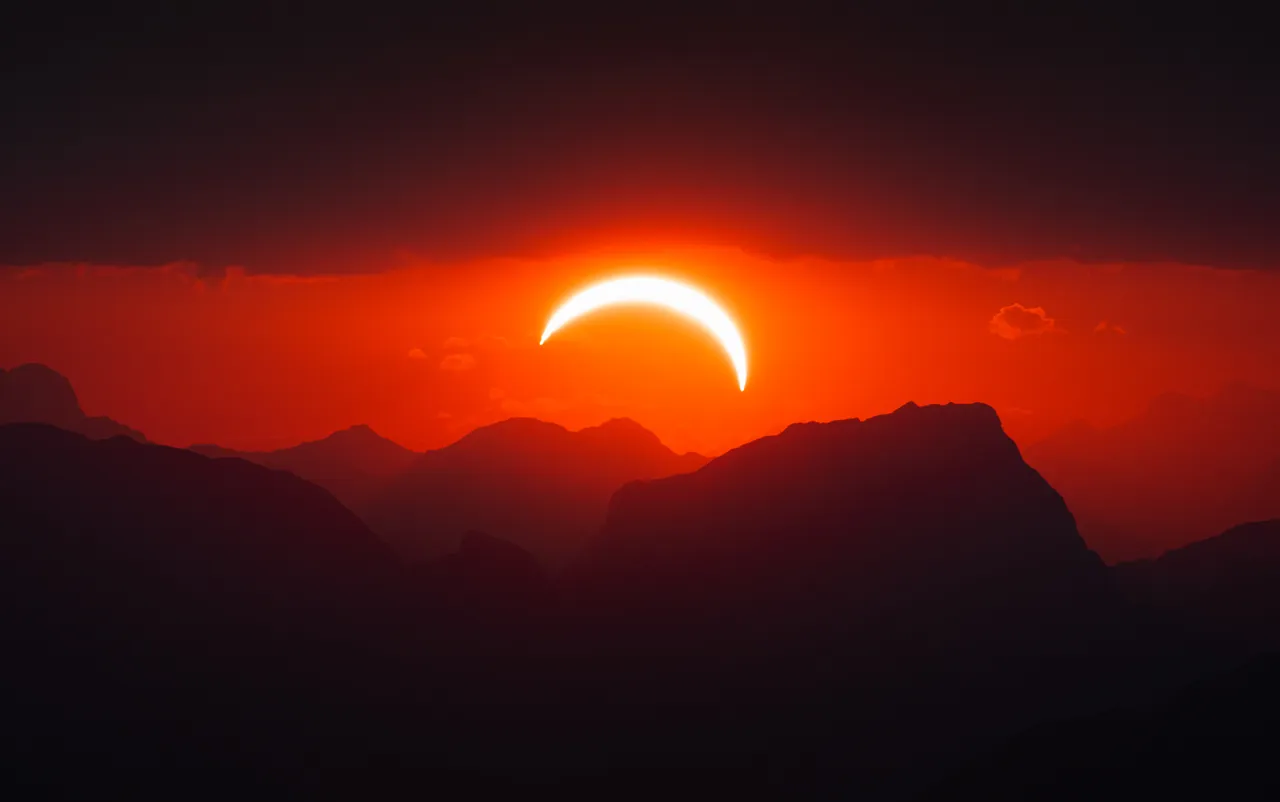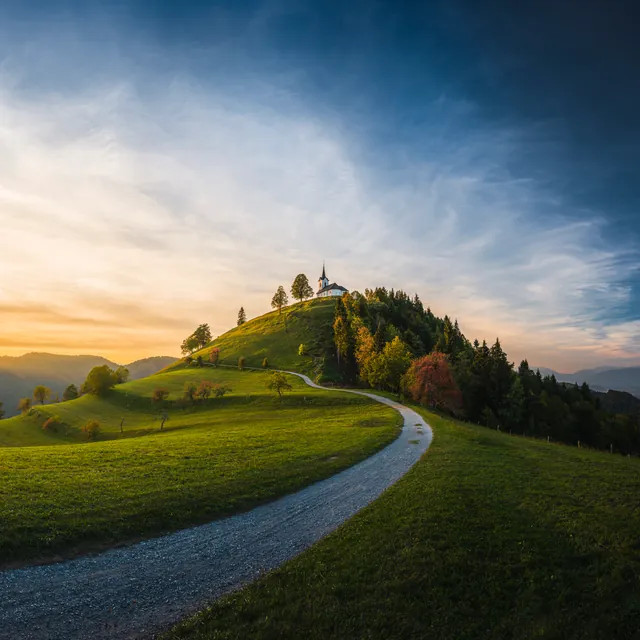
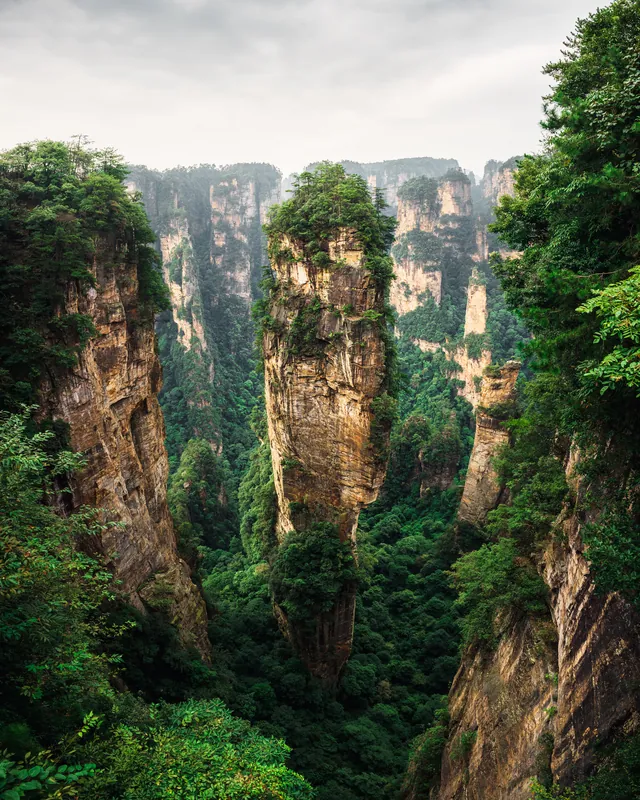
A library that keeps up
Folders, collections, ratings, flags and keywords - with every edit - in one catalogue. Cull a shoot with single keys; Edit finds your bracket stacks and the sharpest frame of each burst.
RAW photo editor · made for the desktop
Edit develops your RAW files in floating point on your graphics card, selects with AI that runs on your own machine, and never uploads a single photo. Free.
Most editors make you choose between speed, quality and privacy. Edit refuses. Your RAW files are decoded on your own machine, developed on your graphics card, and finished with AI that never phones home.
01 Develop
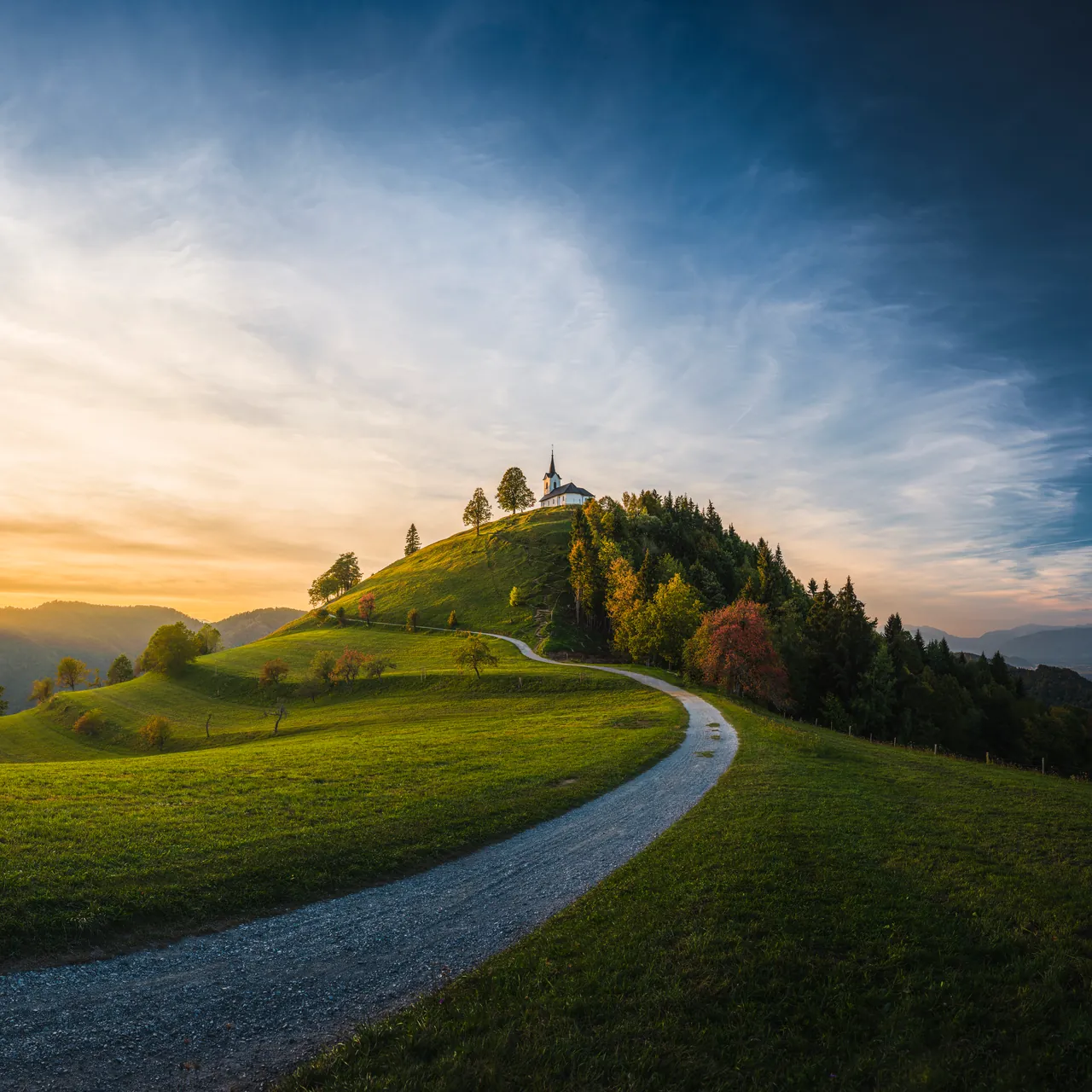
White balance from the sensor's own data. Exposure, highlights, shadows, curves, colour mixer, colour grading, texture, clarity, dehaze. Every slider runs on the GPU at screen resolution - so a 48-megapixel file follows your hand at your display's frame rate.
Basic
Keep scrolling - the photo develops as the sliders move. Interactive illustration.
02 AI masks
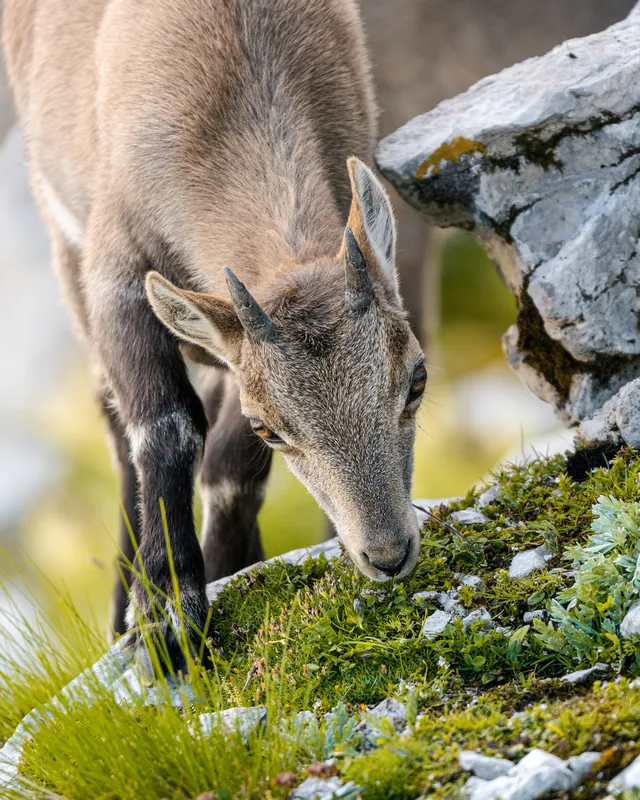
Sky, subject, background, an object you draw a box around, a range of distance - or people, down to skin, hair, eyes and lips. The models run on your own graphics card, and every edge is fitted to the photo's colours.
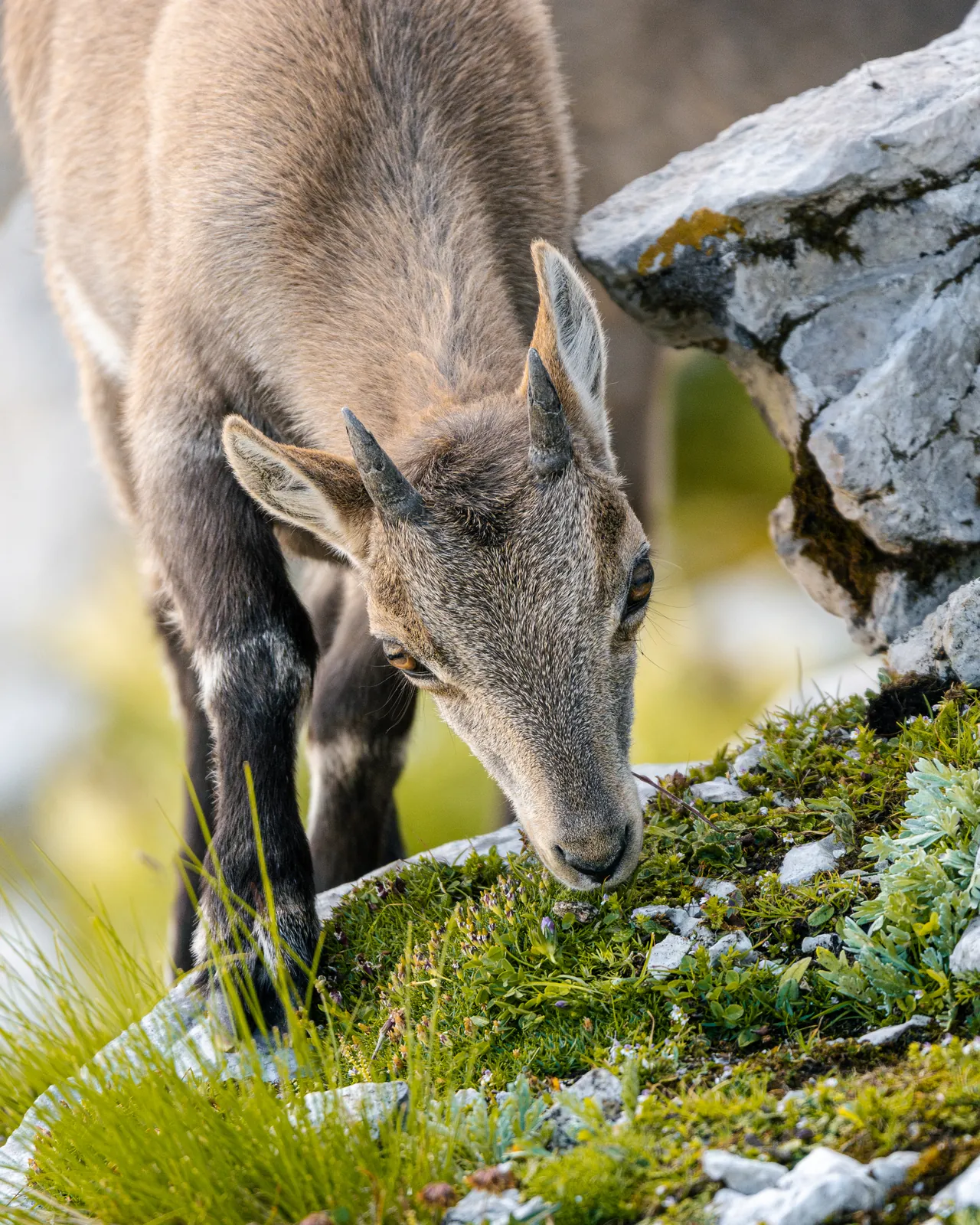
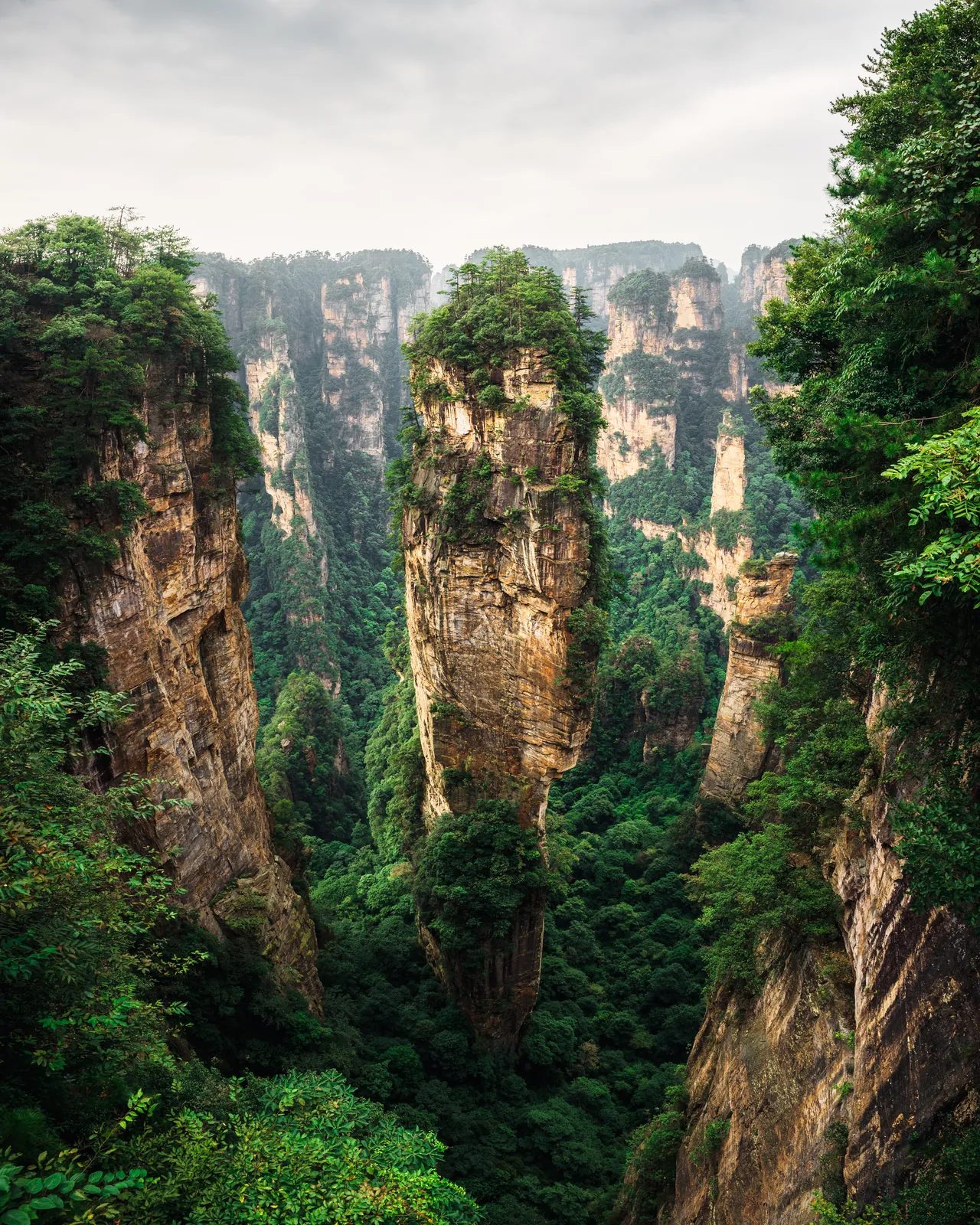
Real masks, made by Edit's own models from these photos.
02½ Depth
This is the same photograph, rebuilt from the distance Edit estimates for every pixel. That depth is what lets you grade a far ridge without touching the trees in front of it.
03 Night
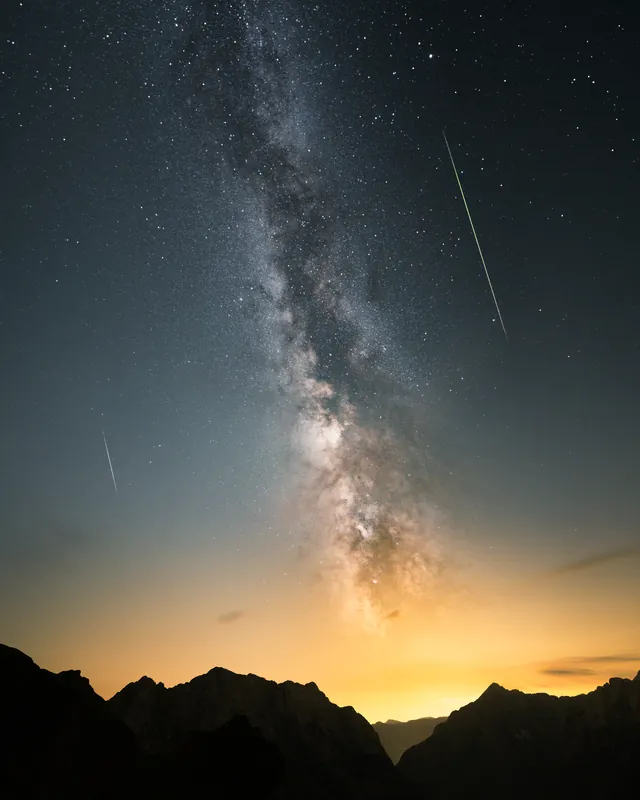
AI Denoise cleans a high-ISO RAW with a neural network trained on real camera noise - on your graphics card, in about a minute for 20 megapixels - and writes a new DNG beside the original, edits included.


Stack ten frames of the sky in Layers and the noise falls more than threefold - without widening a single star. Or merge a foreground with a tracked sky, focus-stack a macro, smooth water from a burst.
Drag the divider. Illustration with simulated noise.
04 Detail
A RAW is soft by nature - the lens, the sensor's filter, the demosaicing. Edit measures each photo's own blur from its edges and undoes it on the GPU, so files open crisp, with halos held where the eye cannot see them.


Not a fixed recipe: the blur is estimated from the file in front of you and reversed by deconvolution. Then sharpen for output, mask it to the edges, and hold Alt on a sharpening slider to see exactly what it acts on.
Illustration: 100 % crop.
05 Merge
Brackets merged into floating-point HDR that holds the whole scene. Panoramas stitched in six projections and moved until they sit right. Both at once, when you shoot a panorama as brackets.
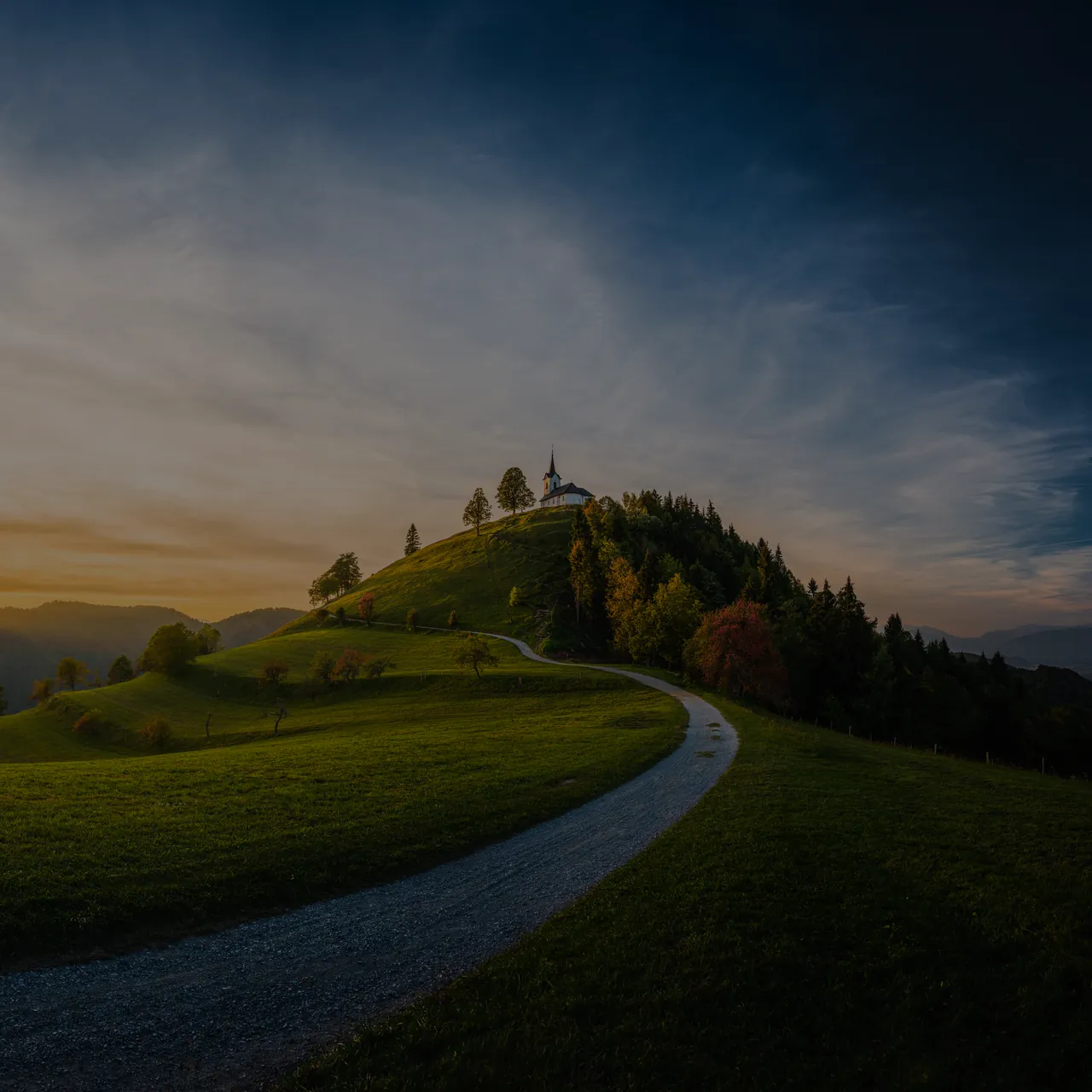
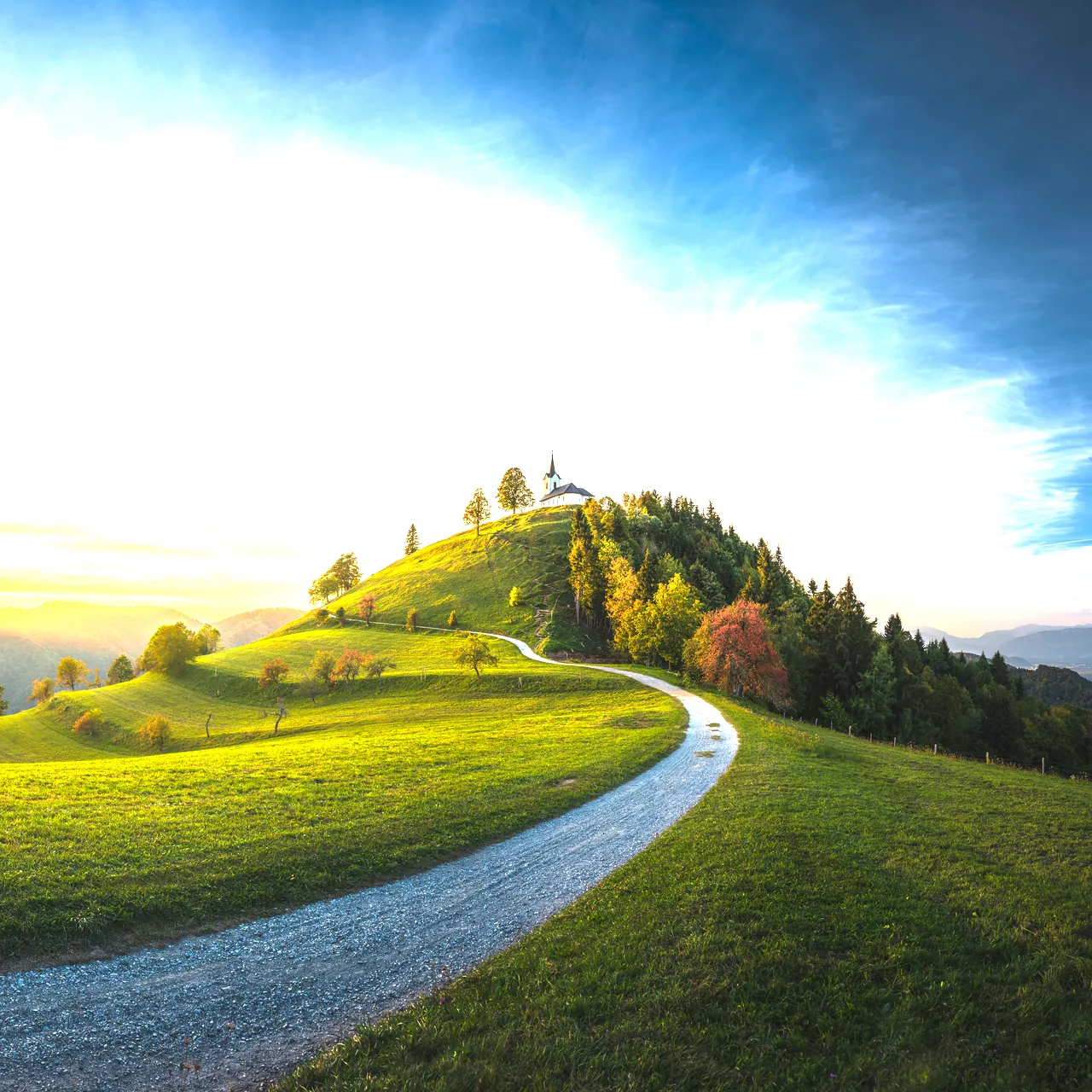

Three exposures. Brackets among your photos are found and offered.
One file that holds them all. Aligned, deghosted, written as a floating-point DNG you keep editing.
Six projections. Spherical, cylindrical, Mercator, perspective, fisheye - and stereographic, the little planet.
06 Retouch
Paint over it, lasso it, or click around it. Content-aware fill rebuilds the gap from the photo's own pixels; AI fill lets a generative model on your machine decide what belongs there.


07 Everything else
Folders, collections, ratings, flags and keywords - with every edit - in one catalogue. Cull a shoot with single keys; Edit finds your bracket stacks and the sharpest frame of each burst.
Skin, hair, eyes, lips, teeth - each a mask of its own. Soften skin, brighten eyes, and let blemishes be found and healed for you.
Tone curve, eight-range colour mixer, three-way grading wheels and calibration, working in a space where “same hue” means what you see.
Distortion, vignetting and colour fringes from the profile in the file, the camera's own corrections, or the lens profiles on your computer.
Detail extractor, tonal contrast, a polarizer, glow and foliage - the classics, without a plug-in.
JPEG, PNG, WebP or 16-bit TIFF in sRGB or wide-gamut spaces, profile embedded. Or frame posts and stories for social feeds - a panorama split into a seamless swipe.
Non-destructive from start to finish: full history, presets with hover preview, copy and paste, sync to all, before and after.
Keystone, rotate, straighten, crop to any ratio. Buildings stand up; horizons lie down.
English and Slovenian, switched while it runs.
08 Why Edit
No subscription to keep paying. No account to sign in to. No cloud your photos pass through. Just the whole craft of developing a photograph, running on the machine in front of you.
| Edit | Subscription editors | Typical free tools | |
|---|---|---|---|
| Price | Free | Paid monthly or yearly | Free |
| Account | None | Required | Varies |
| Your photos | Never leave your computer | Cloud sync is common | Varies |
| AI masks, denoise, fill | On your own GPU | Often cloud or credits | Rare |
| HDR, panorama, focus & star stacking | All built in | Partly; often extra apps | Separate tools |
| Landscape filters | Built in | Paid plug-ins | Rare |
| Posts and carousels for social feeds | Built in | Another app | Another app |
| Works offline | Always | With sign-in checks | Usually |
| Windows, macOS, Linux | All three | Rarely Linux | Varies |
A comparison with what is typical of each kind of software, not with any one product.
It costs nothing to find out. No card, no account - and nothing of yours ever leaves your computer.
Get Edit09 Light, kept
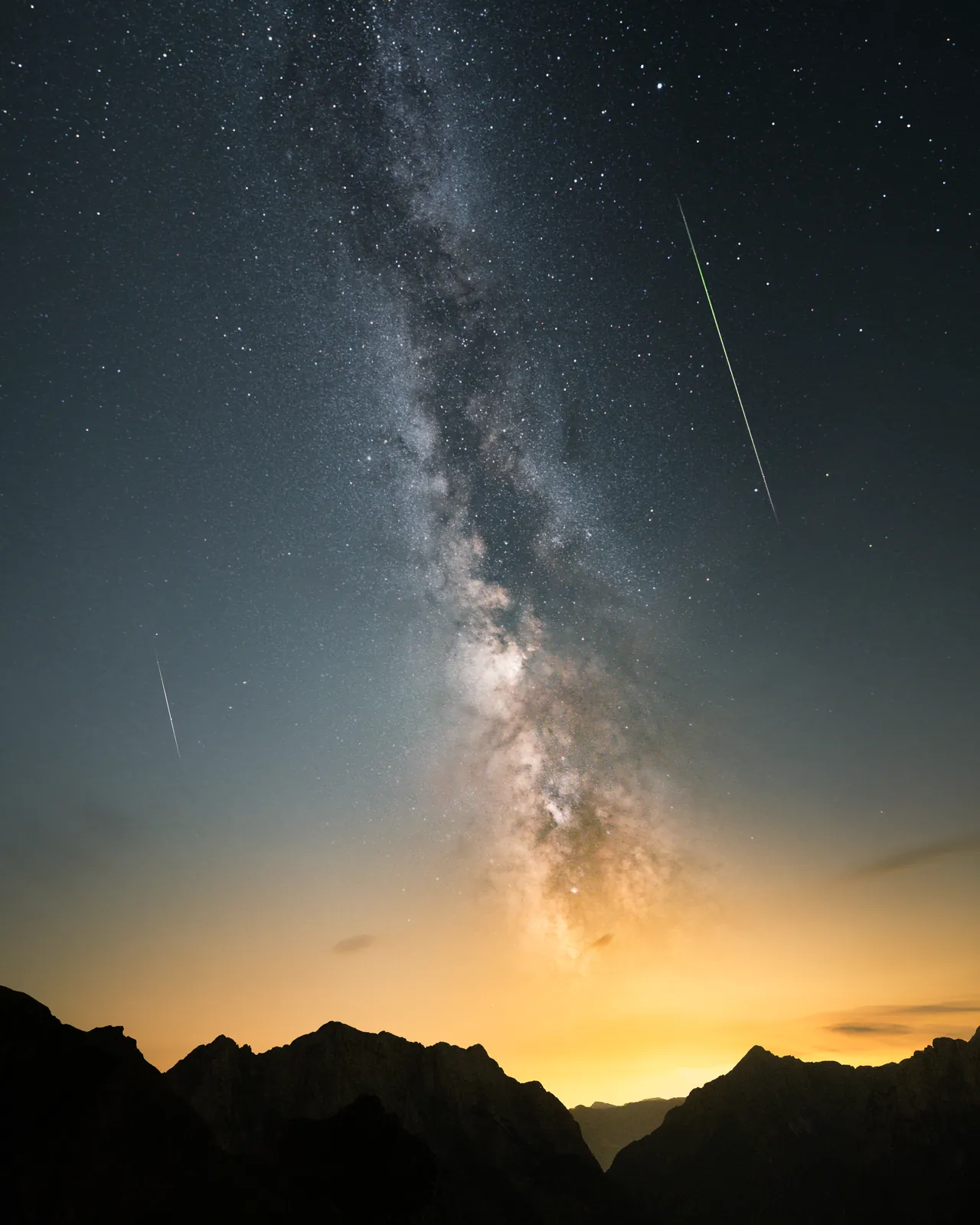
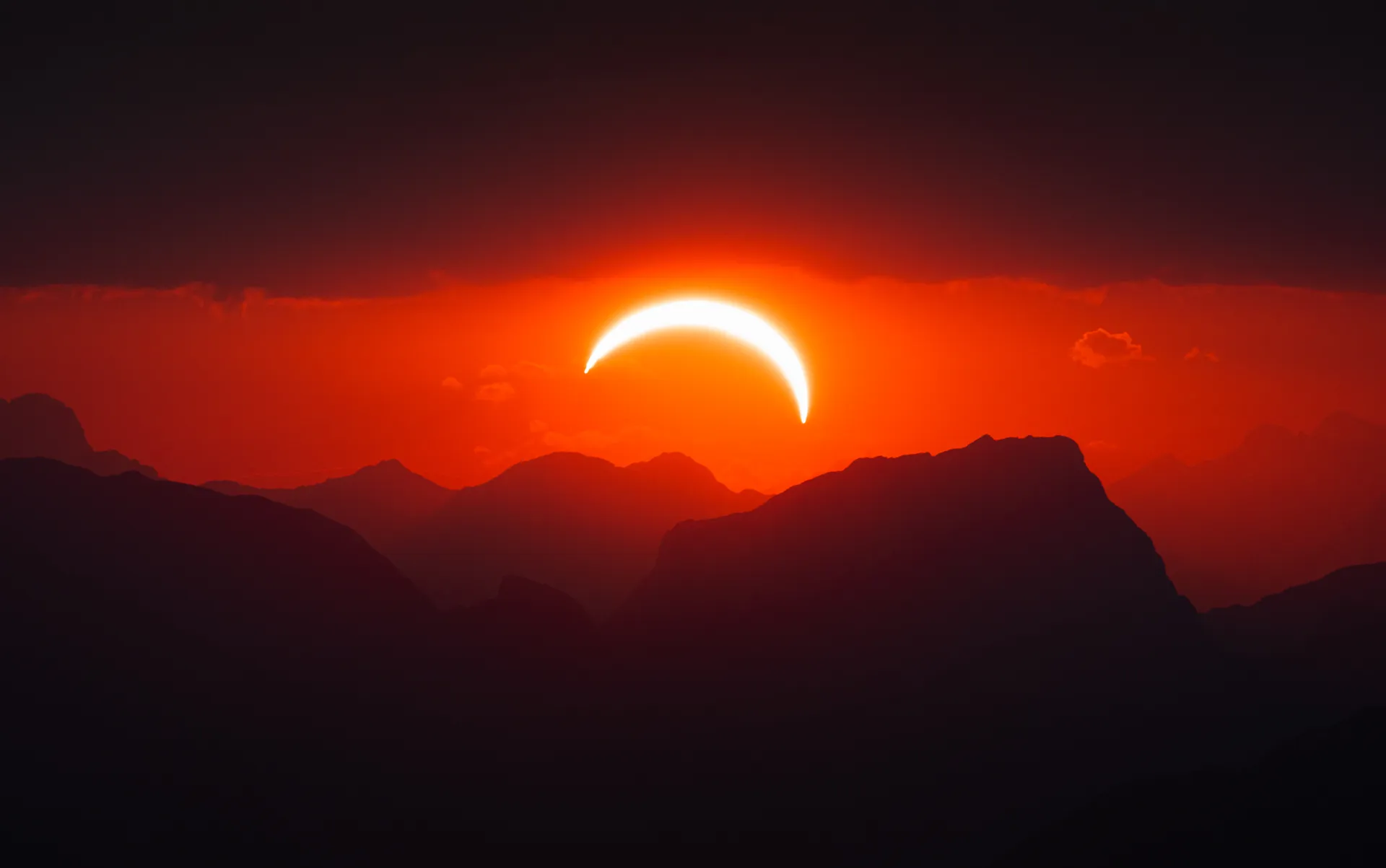
Photographs by Anže Levec
Free · no account · works offline
Edit 1.0.1 is ready. Downloads are by one-time code while it is in preview.
Get EditYes. Edit is free to download and use today - no trial clock, no watermark, no account.
No. Decoding, developing, the AI tools and export all happen on your computer. There is no cloud service behind Edit.
RAW files from nearly every camera, plus DNG - including floating-point HDR and panorama merges - and JPEG, PNG, WebP, AVIF and TIFF.
Never. Edits are kept beside your photos, not in them; merges and denoised photos are written as new files.
Windows 10 or 11, macOS 13 or later, or 64-bit Linux, and a graphics card from the last ten years. No internet connection.